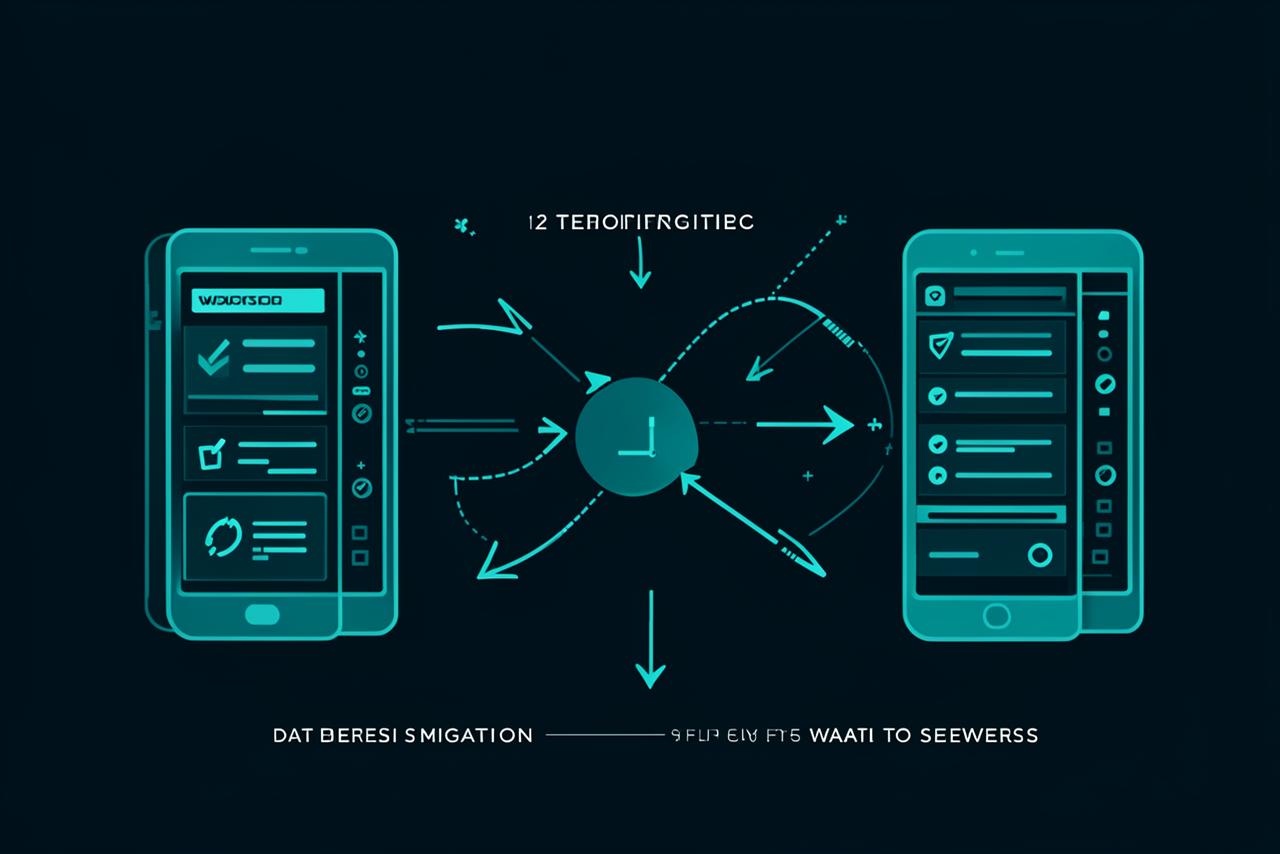
For any operating company, email is the lifeline of daily operations. The fear of bounced customer emails, missing proposals, or locked Outlook archives often traps businesses into staying with slow, overpriced, or unsupported email providers.
Migrating your company email to Web Track does not require downtime or lost communications. Here is the exact, zero-risk process we use to ensure seamless business continuity.
Step 1: Pre-Migration Discovery & Mailbox Provisioning
Before touching any live DNS settings or MX records, we mirror your exact mailbox structure on our secure servers. If your company uses 20 mailboxes across departments (e.g., info@, accounts@, ceo@), every single account and password parameter is created in advance.
Step 2: Background Historical Mail Synchronization
Using secure server-to-server IMAP sync tools, our technical team copies your existing folders, sent messages, attachments, and archives from your old host to Web Track in the background. Your team continues working on their current mailboxes without interruption while the data migrates.
Step 3: Low-TTL DNS Switching
Switching email routing requires changing your domain's Mail Exchange (MX) records. To avoid delivery delays:
- We lower the DNS TTL (Time-To-Live) 24 hours prior to cutover.
- We update the MX, SPF, and DKIM records to point to Web Track.
- Receiving servers recognize the change almost instantly, ensuring zero bounced incoming mail.
Step 4: Final Delta Sync & Local Outlook Configuration
After the MX switch, we run a "delta sync" to capture any new messages that arrived during the transition window. Finally, we provide your staff with straightforward IMAP/POP3 configuration settings for Microsoft Outlook, Apple Mail, and mobile devices, backed by live remote onboarding assistance.
Do not let migration anxiety keep you tied to unreliable email hosting. Web Track handles the entire technical migration for you, free of charge with all business hosting packages.